
Fewer triggers.More control.
Website protection and video support. In one app.
Choose a store to check availability.
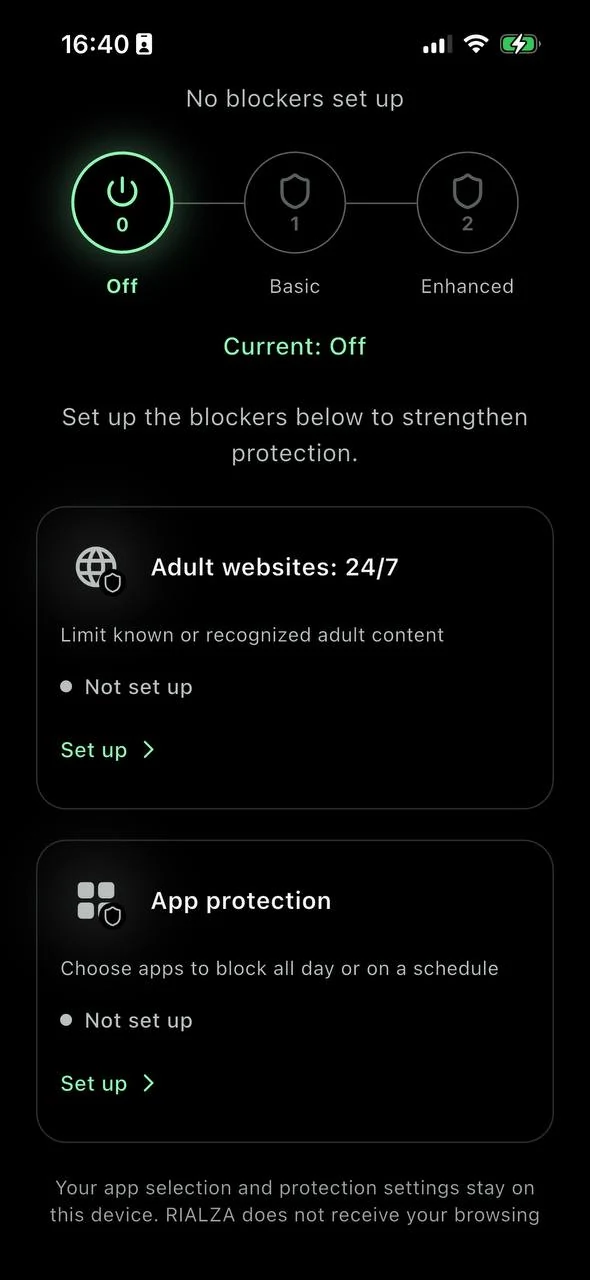
Website & app protection
A little distance from distractions.
Limit adult websites. Choose apps to restrict all day or on a daily schedule.
You choose the settings. Coverage depends on your device, permissions and network.
Website protectionVideo support
Take a pause. Find your next step.
Open a short support video when you want a moment before your next action.
Prerecorded videos, available on demand. No live chat, no pressure to share your story.
Video support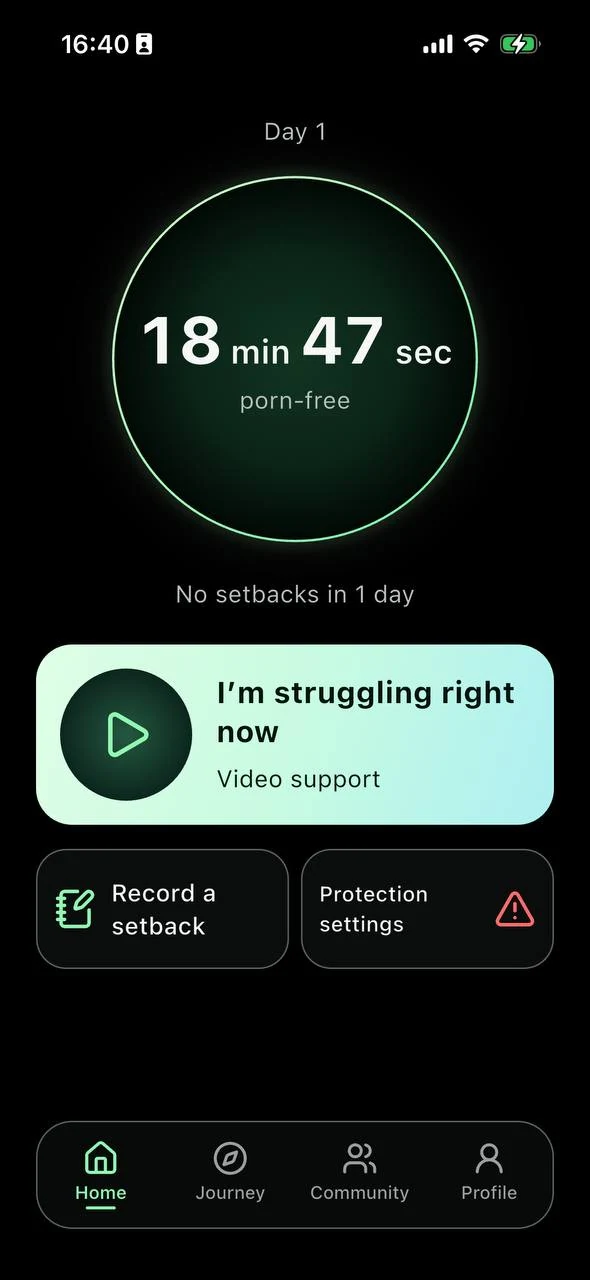
Getting started
Keep it simple.
Choose your platform.
Check the App Store or Google Play availability for your country.
Start at your own pace.
Continue as a guest or sign in, then choose your Premium plan.
Make it yours.
Follow the protection setup and open a video when you need a pause.
Three things to know.
Do I need an account?
Not for the main app: you can continue and purchase Premium as a guest. Optional Community requires a verified account and is for adults 18+.
What is included in Premium?
Core protection, support videos and other main tools require paid Premium. The app and store show the current price and purchase terms before you pay.
Which permissions does protection need?
iPhone uses Screen Time. Android website filtering uses Private DNS; selected-app blocking needs Accessibility access. The app explains each setup. Filters do not cover every website or video.
Your next step, in one app.
Choose your platform and check availability.
Choose a store to check availability.